Ideas & Inspirations
Gaming Logo Design Ideas for Every Style
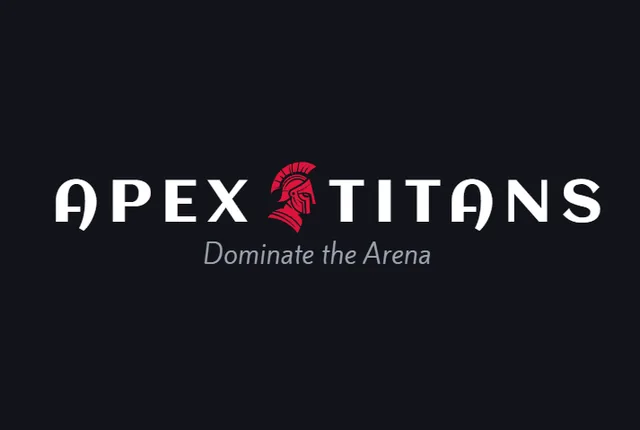
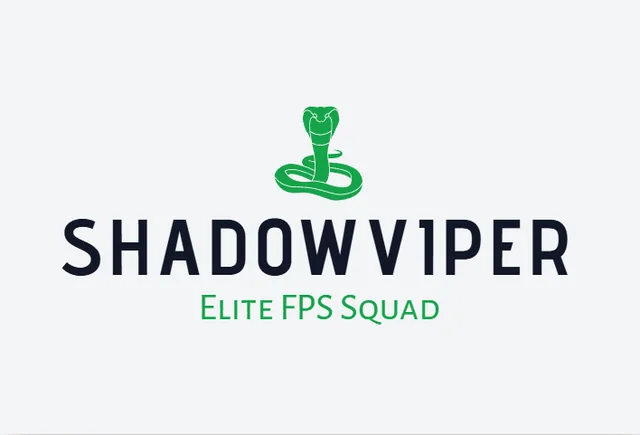
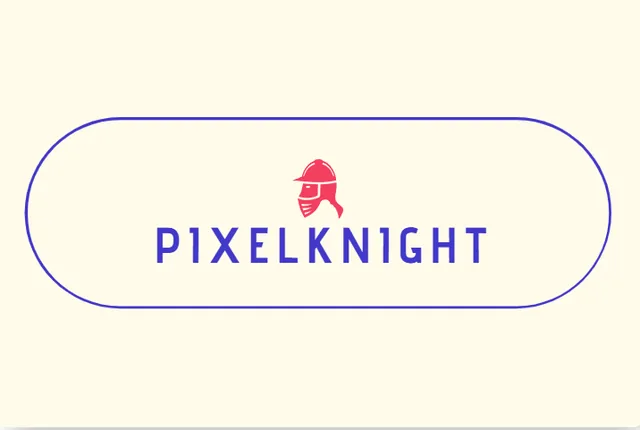
Every gamer has a unique style. Some prefer aggressive predator mascots, while others like neon cyber avatars or clean modern emblems. Browse our popular gaming logo concepts below.
Need more options?
Generate dozens of fresh gaming logo ideas customized with your exact name and favorite colors.
3 Simple Steps
How to Create Your Gaming Logo
Enter Your Gaming Name
Type your gamertag, channel name, or clan tag to get started.
Customize in the Editor
Pick your favorite design and change the colors, fonts, and icons to match your channel.
Download Your Files
Get your high-resolution files instantly and start using them on your stream.
Download Ready Files
When you create a logo with BuildMyLogo, you get all the professional files you need — ready for streams, Discord, merch, and sponsorships.
PNG & Transparent PNG
Clean cutout files ready for OBS/Streamlabs alerts, Discord profile pictures, and Twitch/Kick stream overlays.
Scalable SVG & PDF
High-quality files you can scale to any size for jerseys, hoodies, stickers, and mousepads without losing sharpness.
High-Resolution Files
Print-ready quality with full commercial rights for merch, monetized streams, and sponsorships.
Color Variations
Full-color, black, white, and inverted versions so your logo stays clear on overlays, merch, and dark streams.
Social Media Files
Sized PNGs for Twitch, YouTube, Discord, and Instagram — ready for channel art, alerts, and community pages.
Favicon & Brand Guide
Browser favicon set plus a brand guide covering colors, spacing, and usage so every channel looks consistent.
Why Your Gaming Brand Needs a Strong Logo
BuildMyLogo is designed for streamers, creators, clans, and gaming communities of every size.
Your gaming logo is often the very first thing a viewer sees before they decide whether to click follow, subscribe, or join your Discord. A strong, memorable logo does more than look good — it's part of how your community recognizes and remembers you across every platform.
- Stand out in crowded stream thumbnails and Discord server lists
- Look sharp on stream overlays, alerts, and channel banners
- Build instant recognition across Twitch, YouTube, and social media
- Communicate your gaming identity — competitive, chill, or chaotic — at a glance
- Create a consistent brand as your channel grows from solo streams to a full team
No design experience needed. Enter your gamertag or channel name and let our AI generate gaming logo concepts you can personalize in minutes.
Quick Tips for a Strong Gaming Logo
Keep it simple so it's still recognizable as a tiny profile picture.
Use bold, saturated colors that pop against a dark stream overlay.
Avoid text-heavy designs — a strong icon or initial reads faster than a full name.
Make sure your logo works on both light and dark stream themes.
Keep a transparent version on hand for overlays, alerts, and merch.
Frequently Asked Questions
How do I make a gaming logo?
Enter your gamertag or channel name into our Gaming Logo Maker, pick a design you like, then use the editor to adjust colors, fonts, and icons before downloading your files.
Is the Gaming Logo Maker free?
Yes. You can generate and preview gaming logo concepts for free, explore different styles, and customize your favorite design. Payment is only required when you choose to download your logo.
What size should a Twitch or YouTube logo be?
For profile pictures, Twitch and YouTube both display logos in a circle at around 800×800 pixels, so a square logo works best. Our transparent PNG exports are high-resolution and scale cleanly to every platform's required size.
Do I get a transparent PNG for my Discord profile and stream overlays?
Yes. You get high-resolution transparent PNG files with no background, ready to drop into Discord, OBS or Streamlabs alerts, and Twitch or Kick overlays without a white box behind the logo.
Can I use my gaming logo on merch and monetized streams?
Yes. You receive full commercial rights and scalable vector SVG and PDF files, so you can print your logo on jerseys, hoodies, stickers, and mousepads and use it on monetized streams, sponsorships, and merchandise.
Ready to Create Your Gaming Logo?
Design a memorable logo for your gaming channel, clan, or stream today.
Create Your Gaming Logo Now