
Typography in Logo Design: How to Pair Fonts That Reflect Your Brand
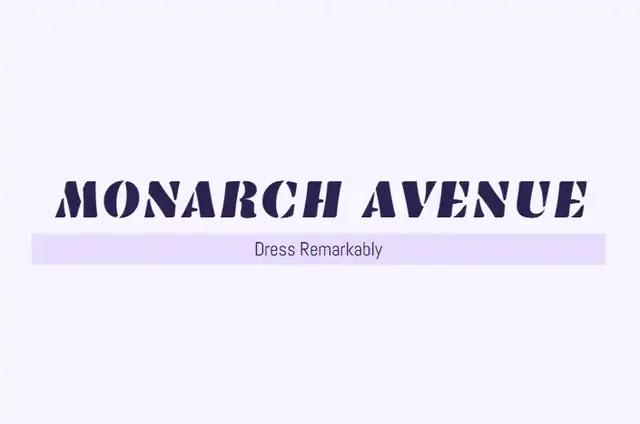
Logo typography is the font you use for your business name, and it often matters as much as the icon. The right font makes a brand look trustworthy, modern, or playful. The wrong one looks amateur. This guide explains the main font types, how to pick the best fonts for a logo, and how to pair two fonts without making the design messy.
Logo ideas from the BuildMyLogo logo maker
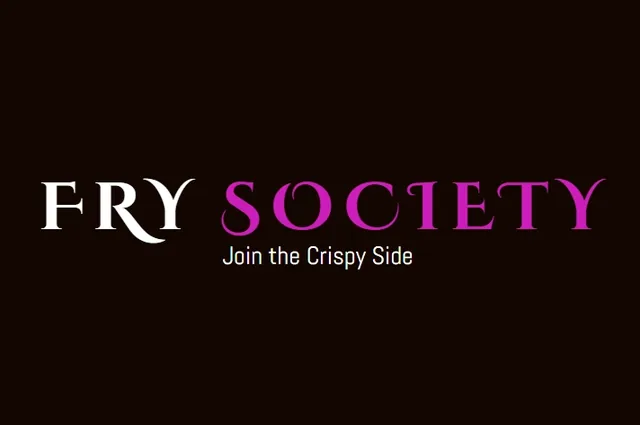
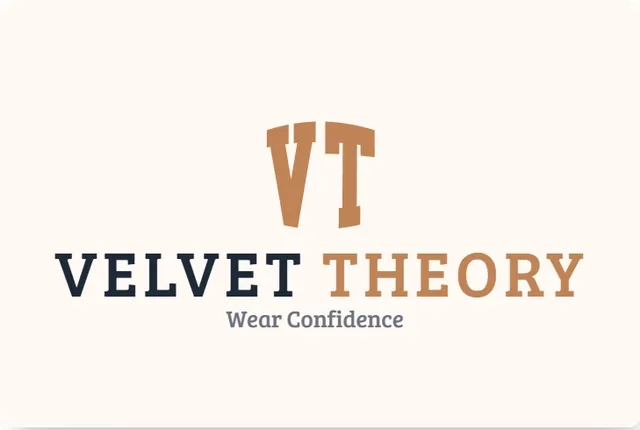
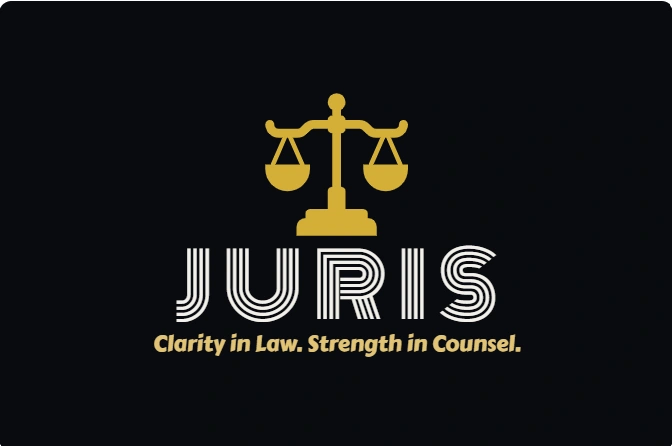
The 4 main logo font types
| Font type | What it looks like | Feels like | Good for |
|---|---|---|---|
| Serif | Small strokes at the ends of letters (like Times New Roman) | Traditional, established, elegant | Law firms, jewelry, heritage brands |
| Sans-serif | Clean letters with no strokes at the ends (like Helvetica) | Modern, clear, neutral | Tech, healthcare, most small businesses |
| Script | Handwritten, flowing letters | Personal, creative, feminine or artisan | Bakeries, florists, photographers, beauty |
| Display | Bold, decorative, or unusual letters | Loud, energetic, unique | Gaming, streetwear, entertainment |
How to choose the best font for a logo
- Start with the feeling. Write three words about your brand. Match the font type to those words.
- Test the name at small size. Set your business name at 16 pixels. If you cannot read it, the font is too thin or too decorative.
- Check the letter shapes. Look for confusing pairs such as "l" and "I," or "rn" and "m."
- Avoid fonts you already see everywhere. Popular free fonts are safe, but many brands use them. Try a less common option from the same family.
- Confirm the license. Many fonts are free for personal use only. Check the license before you use the font on a logo you will sell or print at scale.
How to pair two fonts in a logo
Most logos work best with one font for the business name and, if needed, one simpler font for a tagline. Pairing works when the two fonts contrast in style but share a feeling. Here are reliable combinations:
- Bold sans-serif name + light sans-serif tagline. Clean and modern. Works for most businesses.
- Serif name + sans-serif tagline. Classic and clear. Works for professional services.
- Script name + sans-serif tagline. Friendly and personal. Keep the script large and the tagline small.
Avoid pairing two decorative fonts. They compete for attention and make the logo hard to read.
Typography mistakes to avoid
- Using default office fonts. Comic Sans, Papyrus, and Impact signal a quick, unprofessional design.
- Using thin scripts on small signs. Decorative strokes disappear on a van or a phone screen.
- Stretching or squashing letters. Distorted type looks wrong and is easy to spot.
- Letter spacing that is too tight or too loose. Adjust the spacing until each letter looks evenly placed. Designers call this kerning.
- Converting text to outlines too early. Keep an editable version until the design is final, so you can fix spacing later.
Typography and file formats
If you convert your logo text to outlines before exporting an SVG, the logo will look the same on any computer, even if the font is not installed. Save an editable file as well, so you can change the design later. Our guide to logo file formats explains which file to use for each purpose.
Find the right logo font for your business
Choose the font type that fits your brand, test the name at a small size, and pair it with one supporting font if you need one. For a faster way to compare type styles with icons and colors, generate logo options free on BuildMyLogo and review several typefaces side by side.
FAQ
How many fonts should a logo use?
One or two. Use one font for the business name and, if needed, a simpler companion font for a tagline.
Are script fonts good for logos?
They work for bakeries, boutiques and personal brands, but they often fail at small sizes. Always test them at 16 pixels.
What is the best font for a logo?
There is no single best font. Choose the font type that matches your brand feeling, then test the name at small and large sizes.
Can I use any font in my logo?
Check the license first. Many free fonts allow personal use only, so confirm the rights before using a font on a logo you will sell or print.
Ready to Create Your Logo?
Generate logo ideas for your business name and download your favorite when you are ready.
Create Your Logo FreeKeep Reading
How to Create a Logo Online for Free (Step-by-Step Guide)
Create a logo online for free in under an hour. Follow 6 simple steps, check your logo at small sizes, and download the right files.
Color Psychology in Logo Design: Colors and Meanings
Color psychology in logo design explained: what red, blue, green, yellow, black and more communicate, and how to pick colors for your industry.
10 Logo Design Tips for Small Businesses
10 practical logo design tips for small businesses: keep it simple, choose colors on purpose, make it scalable and save the right files.