Gaming and Esports Logo Design: How to Build a Team Brand
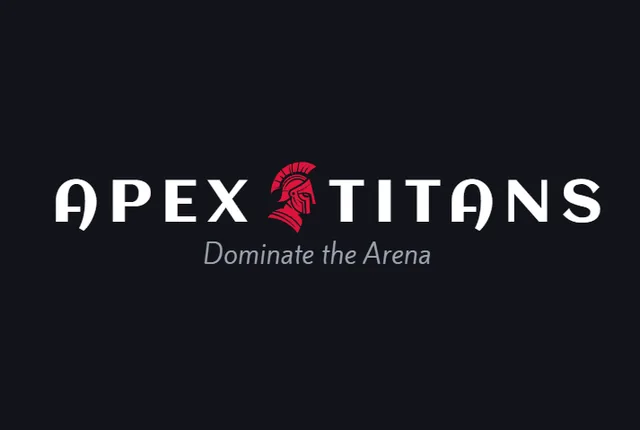
A gaming or esports logo has to work as a Twitch avatar, a jersey print, a stream overlay, and a Discord server icon. The best gaming logo design uses a bold symbol or mascot, a strong wordmark, and colors that pop on dark screens. This guide covers esports logo ideas, how to design a team brand, and the files you need for jerseys and streams.
Gaming logo ideas from BuildMyLogo
Gaming and esports logo styles
| Style | Best for | Why it works |
|---|---|---|
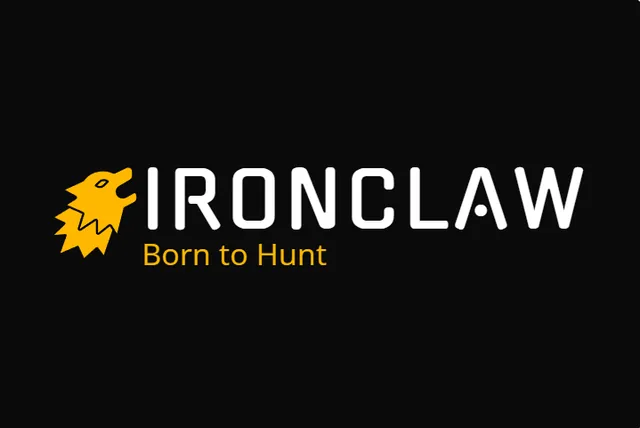
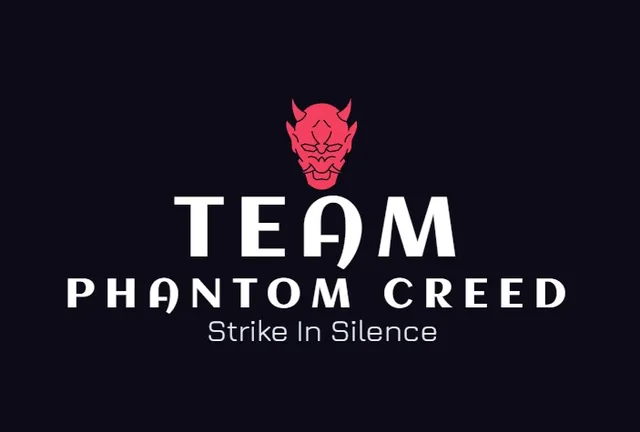
| Mascot or character | Esports teams, streamers | Memorable and easy to turn into emotes |
| Emblem or crest | Competitive teams, clans | Feels like a team, works on jerseys |
| Lettermark | Creators and channels | Clean, works as a small avatar |
| Abstract symbol | Game studios, tech-focused brands | Modern and flexible |
| Wordmark with glow | Streamers and gaming news | Strong name recognition on screens |
Gaming logo colors that work on dark screens
Most streams, Discord servers, and game interfaces are dark. Choose bright accent colors that stand out on black: electric blue, neon green, red, and purple are popular. Keep one main color, then add one accent for highlights. Test the logo on a near-black background before you finish it. For more on how colors signal energy and identity, see our color psychology guide.
How to design an esports team logo
- Pick a symbol that means something to your players. A creature, weapon, or shape tied to the team's story is more memorable than a generic gamer icon.
- Keep the emblem simple. Esports logos appear small on phones and large on jerseys. Remove details that disappear at 64 pixels.
- Design a jersey-ready version. Jersey prints are one or two colors with clean edges. Test the logo on a shirt mockup.
- Make a square avatar. Twitch, Discord, and YouTube crop profile images to a circle or square. Center the mark with some padding.
- Plan the overlay version. Stream overlays need a transparent PNG that sits on top of gameplay without covering the action.
Gaming logo mistakes
- Using neon effects that look great on screen but print poorly on jerseys.
- Choosing a name that is already used by another team or channel. Check Twitch, YouTube, and trademark databases first.
- Making a logo so detailed that it becomes an unreadable blob at avatar size.
- Designing only for desktop and forgetting the phone-sized version.
Files every gaming brand needs
- Transparent PNG for Twitch, YouTube, Discord, and overlays.
- SVG for jerseys, merch, and any large print.
- Square avatar in at least 400 x 400 pixels.
- Dark and light versions for different platforms.
Read our logo file formats guide for which file to use where.
Build a gaming logo that stands out
Choose a symbol, pick two bright colors, and test on black. Browse gaming logo ideas on BuildMyLogo or see esports logo examples, then generate your own free and check it on a dark stream screen.
FAQ
What colors work best for an esports logo?
Electric blue, neon green, red and purple stand out on the dark screens most gamers use. Keep one main color and one accent.
Should a gaming logo be a mascot or a symbol?
A mascot is memorable and easy to turn into emotes. A symbol works better if you want a modern, flexible identity.
What size should a Twitch or Discord logo be?
Use a square PNG of at least 400 x 400 pixels, with the mark centered and some padding for circular crops.
Do I need a separate logo for jerseys?
Yes, in many cases. Jersey prints need flat colors and clean edges, so use an SVG version without fine gradients.
Ready to Create Your Logo?
Generate logo ideas for your business name and download your favorite when you are ready.
Get Gaming LogosKeep Reading
Tech Startup Logo Design: Ideas and Tips for SaaS Brands
Tech startup logo design tips: geometric marks, favicon and app-icon testing, dark-mode versions and the vector files you need.
Barbershop Logo Ideas That Work on Signs and Instagram
Barbershop logo ideas that work on hanging signs, mirror decals and Instagram. Colors, fonts, icons and the files barber shops need.
Real Estate Logo Ideas for Agents and Realtors
Real estate logo ideas and design tips for agents. House symbols, monograms and trustworthy colors, plus the files for yard signs and portals.